This tool analyzes URLs to identify potential phishing attempts by
detecting suspicious anomalies in the link structure. Its primary
purpose is to help users discern whether a received link might be a
phishing attempt designed to deceive them into revealing sensitive
information.
Impersonation of legitimate domains
Attackers often create domain names that closely resemble legitimate ones,
employing subtle variations to exploit user trust. These domains may
use homoglyphs-characters from different alphabets that appear
visually similar to Latin characters. Or even simpler, the letter I
(India) might be substituted l (Lima) or the number 1. Or rnicrosoft may be written with r n at the start.
Example:
https://www.paypaI.com
(note the capital "i" instead of lowercase "l").
Credential submission via URL
Some phishing attacks embed login credentials
directly within the URL, which may trick users into believing they
are logging into a legitimate site. These URLs might contain login
data that appear to be part of the site but are actually linked to
an attacker-controlled domain.
Example:
https://www.paypal.com@checkmylink.net/update_password
Subdomain spoofing
Attackers may use subdomains to make a malicious site appear legitimate. By
placing the real domain within a subdomain, the phishing link can
appear as though it belongs to a trusted source.
Example:
https://www.paypal.com.checkmylink.net/update_password
URL shortening services
URL shorteners are frequently exploited by cybercriminals to obfuscate
the final destination of a link, making it difficult for users to
verify where they are being redirected. While URL shorteners are
legitimate services, their use in phishing attacks is a common
tactic.
Example:
https://bit.ly/www.paypal.com/update_password
Note: Many URL shortening services have been abused for malicious
purposes, leading to their shutdowns.
IP address usage
Attackers may use IP addresses in place of domain names to avoid detection. This
is often done to bypass domain-based blacklists and to obscure the
true identity of the phishing site.
Example:
https://192.168.1.1/www.paypal.com/update_password
Domain age
A domain’s age can be an indicator of its legitimacy. Older,
established domains are more likely to belong to reputable
organizations, while newly registered domains (e.g., created within
the last few days) may be more likely associated with phishing
attacks.
Attention: Using this tool for phishing exercises within organizations can
inadvertently trigger alarms or even lead to job loss. To mitigate this, users have the
option to disable header fetching when analyzing links.
CheckMyLink.net
This tool employs a
variety of techniques to assess the legitimacy of a URL, including
domain age checks, whitelist validation, and the detection of
redirect chains. While it’s not infallible, it provides an
effective method for identifying potentially malicious links based
on common phishing tactics.
Improving communication practices
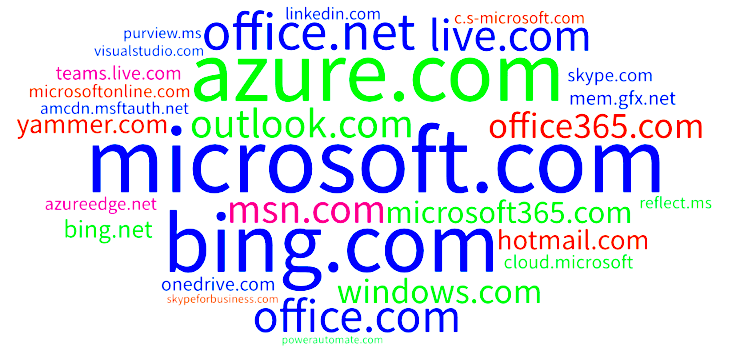
Large companies, especially tech giants, can improve user trust by using
consistent and recognizable domains (e.g., using .microsoft
or .amazon
for all links in emails). Organizations should also ensure
that email links are clear and direct, avoiding the use of
suspicious short links or domain sprawl.
Best practices for secure email campaigns
Some companies outsource their e-mailing and like to track what users click. This results in some weird looking links like https://track.dodgymailsender.com/?reallink=https://trustme.com.
When companies start taking into account that people have to be wary about what links to trust, they can organise to have a trustworthy domain for their mailings.